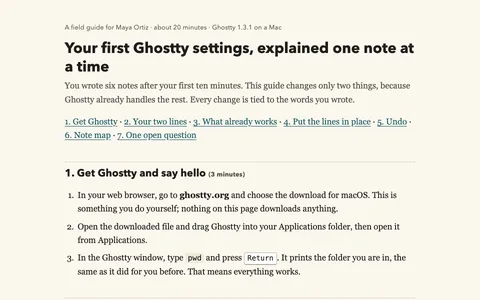
Everyday documents
Turn a vague draft into a welcome note you can revise.
Try the generic first win29 lessons · every result real · Claude Code + OMP
A terminal agent reads your files, runs code, and saves what it made. Each lesson gives you one prompt, the practice files, and what the agent really made when we ran it.
Runs on a computer with Claude Code (Claude Pro, $20/month) or OMP (pay your model provider). Costs and setup.
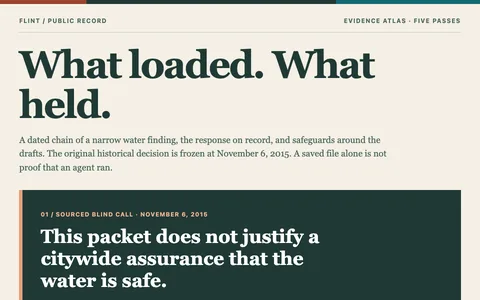 Start hereBuild your own AI setup, then point it at FlintA public EPA report arrives while Flint residents need a straight answer about their water. Build a reusable evidence workflow, make a dated call without knowing the future, then return in fresh sessions to interview, challenge, and test what your setup actually protects.Build yours, step by step
Every recipe was run for real; each page says which tools passed the check. Each page shows the exact prompt, the full result, and a check you can do yourself.
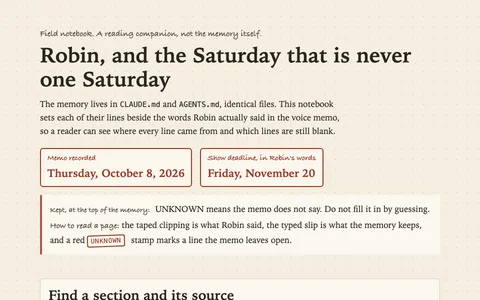 Write the memory file that knows what you keep avoidingA two-minute voice ramble becomes a dated manual, the agent interviews you for what is missing, and a fresh session uses it on a real Saturday choice without being told it exists.
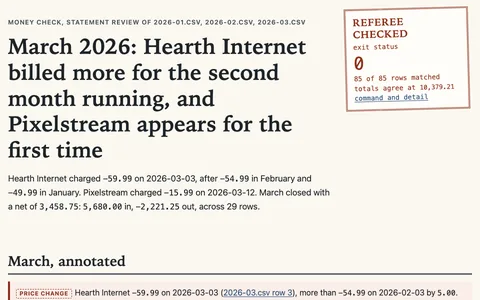 See where your money actually goes, then make it a monthly habitThree months of bank exports become a plain report of flags and numbers, proved to the cent, and a reusable skill that runs the same check on next month's file.
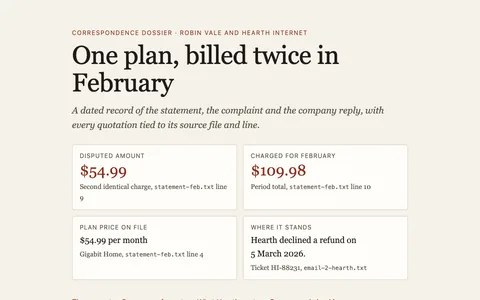 Dispute a charge with a letter that proves every claimThe duplicate February charge found in the previous lesson gets a brush-off from the company. The agent builds the dated case, and a checker you can rerun proves every quoted line really sits in your files.
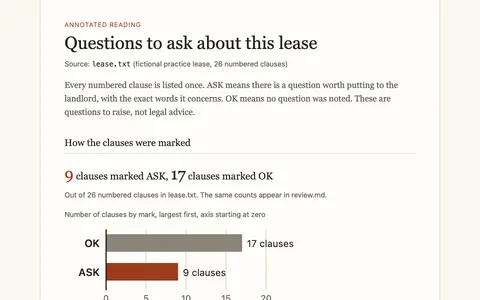 Read the whole contract before you signA 26-clause lease gets read to the last line, and every clause leaves with either a question for the landlord or a one-line OK.
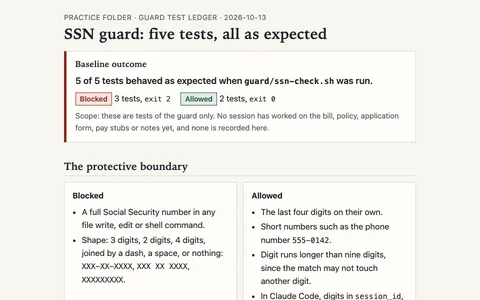 Apply for help with the hospital bill, behind a guard that keeps your Social Security number outA $4,812.50 emergency room bill, a pay stub, and the hospital's own assistance policy become a finished application, while a hook you build first blocks the agent from ever writing your full Social Security number into a file.
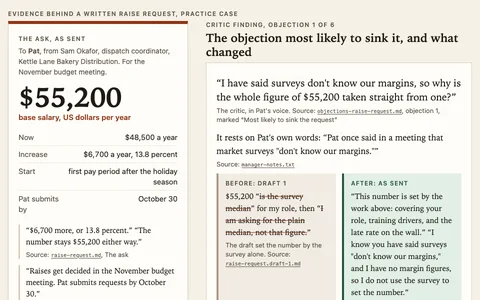 Ask for the raise, after a critic that thinks like your manager tears it apartA year of notes and a wage survey become a raise request with a number, and a reusable critic agent, built from what you know about the person who decides, attacks it before your manager can. A month later the same critic takes on a rent increase.Build your own AI setup, then point it at FlintA public EPA report arrives while Flint residents need a straight answer about their water. Build a reusable evidence workflow, make a dated call without knowing the future, then return in fresh sessions to interview, challenge, and test what your setup actually protects.
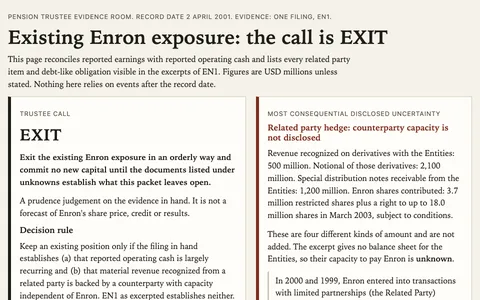 Would you lend against these earnings?A famous energy trader reported strong profits and even stronger operating cash. Open its filed cash-flow statement and related-party footnotes, decide what a pension trustee can trust, then unlock a later filing without borrowing hindsight.
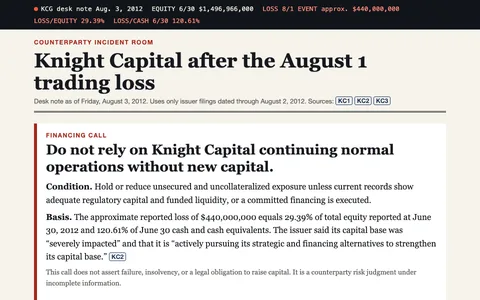 Can a trading firm survive its worst morning?A trading firm says its software sent erroneous orders and reports a severe loss. You have its last public capital snapshot and its first incident disclosure: make a financing call before opening what investigators learned later.
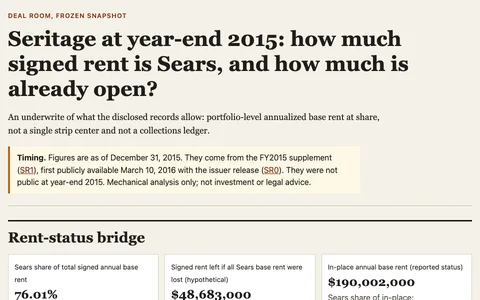 What did the Sears rent actually protect?Seritage reported nearly all its retail floor area leased in its 2015 year-end snapshot. Take apart the anchor share, signed-but-not-open rent, and a real master lease before opening what happened in 2018.
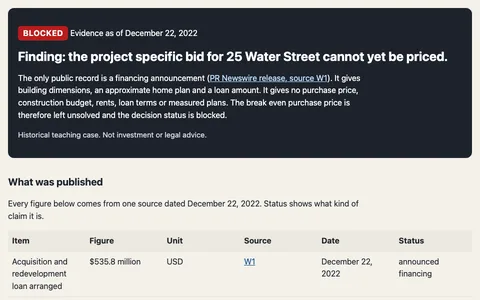 The daylight question inside 25 Water StreetOne vast office building promises thousands of homes, but its floor plate and financing headline cannot tell you how many bedrooms receive legal light or whether the conversion breaks even. Build a transparent bounded model, then open the city's later light-and-air ruling.
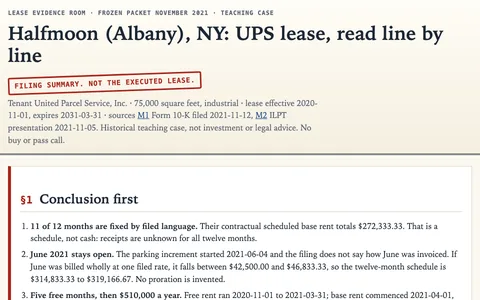 A warehouse lease against a four-billion-dollar financing planAt a real UPS warehouse, a free-rent period, parking investment and four different disclosed rent measures complicate a seemingly simple occupied-building story. Audit the dated rent evidence, then open the later financing record in a fresh session.
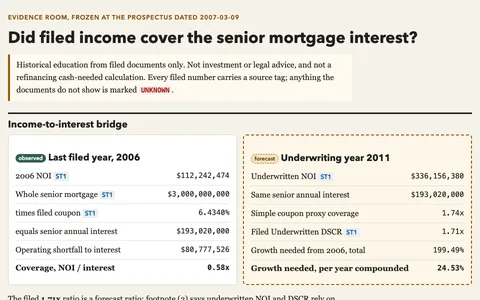 Could this apartment deal carry its own mortgage?A 2007 financing prospectus offers a glimpse of one of New York's biggest apartment deals before its outcome was known. Rebuild coverage from actual 2006 income, then expose the growth behind its future-income case. A later, separate session opens the public record of what happened.
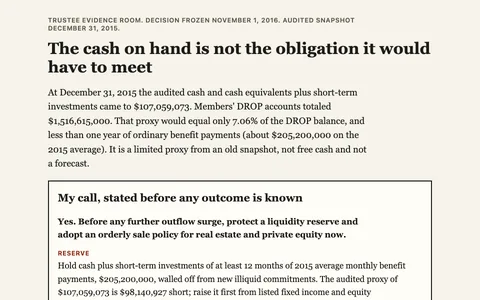 Could a pension pay retirees without selling its buildings?Dallas police officers and firefighters trusted a pension whose investments included hard-to-sell property. Freeze the record before the crisis, decide how much cash to defend, then open the dated outcome in a second session.
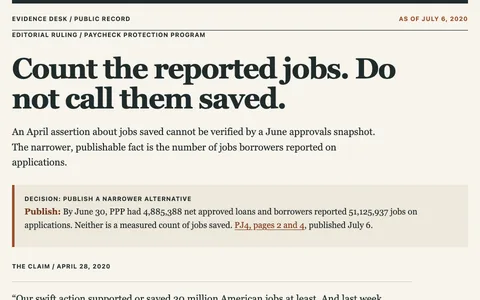 Did the rescue save the jobs it counted?An April claim about American workers meets a July release of federal loan figures. Be the editor who must decide what a headline can say before you see the later audit.
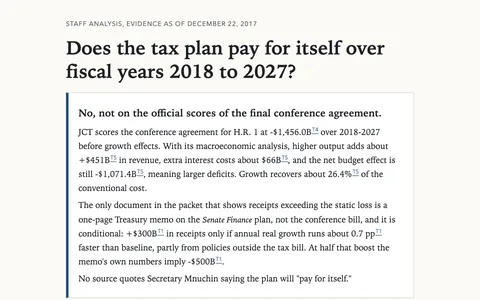 Can a tax cut pay for itself?A Treasury memo promises enough growth-driven receipts to cover a sweeping tax plan. Enter the record before the bill takes effect, make the fiscal call yourself, then unlock later estimates and actual receipts without confusing those different kinds of evidence.
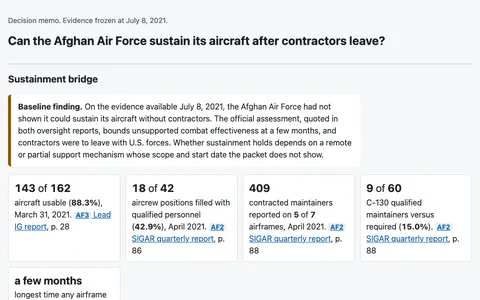 Could the Afghan force fly after the contractors left?On July 8, 2021, a public confidence claim met a maintenance record full of dependencies. Build the sustainment case from what was known that day, then open the dated record of the collapse.
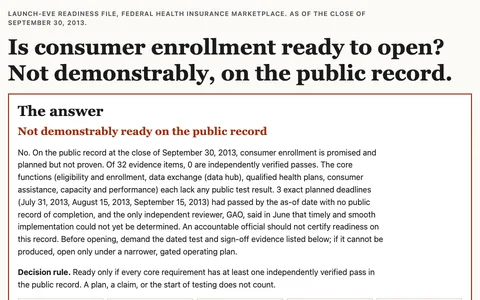 Would you have opened the health exchange tomorrow?It is the evening before a public health insurance marketplace opens. An official launch promise sits beside a dated government worklist: decide which evidence would justify opening the doors, without knowing what happened next.
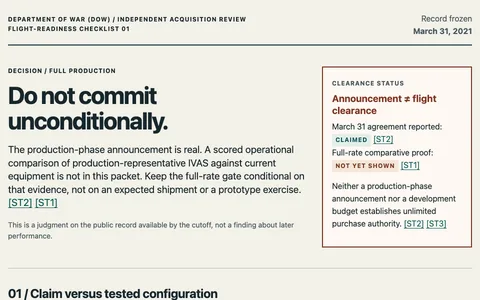 Would you send these goggles into production?The Army and Microsoft announced a headset production move while the public test record still described prototypes. Decide what the available evidence can support, then open a separate session to see what subsequent oversight and field tests found.
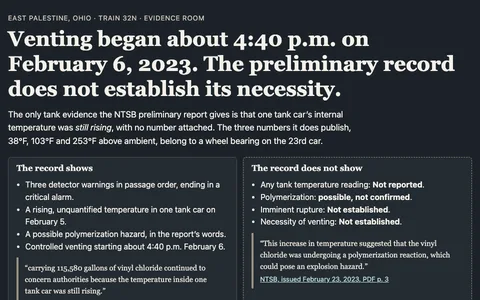 Was the fire the only way out?A train derails beside a town, and a dangerous cargo waits in damaged cars. Follow the warnings and the public case for burning it, then make a call the preliminary record can actually support. Open the later investigation only after yours is frozen.
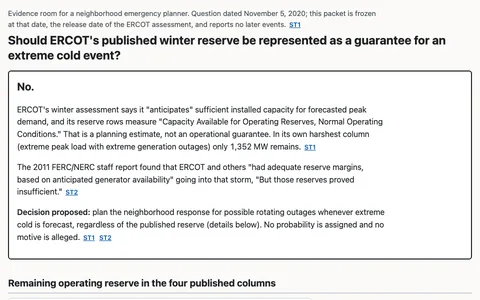 Would you trust the grid's winter reserve?An official grid assessment offered four winter scenarios before a major cold snap. Take the operator's seat, rebuild each reserve, and decide what a public promise can honestly say before a separate session opens the later record.
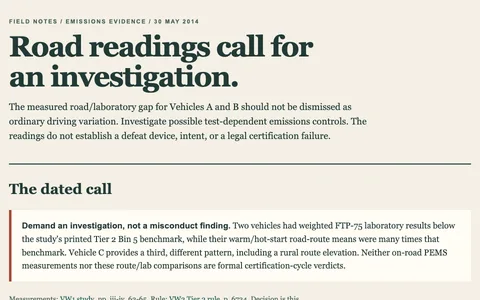 Would you investigate the diesel that passed the lab?Three diesel vehicles met in the same field study, but their road results did not tell the same story. Freeze the record in May 2014 and decide whether a regulator should demand an investigation before learning what officials found.
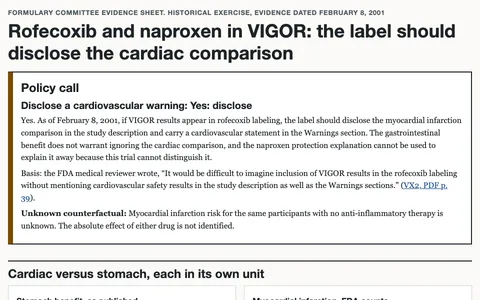 Would you put a heart warning on this pain pill?A major arthritis trial looked safer for the stomach, but its heart-attack comparison demanded a second reading. You are on the hospital formulary team with the paper and a dated FDA review, before the drug's later fate is known.
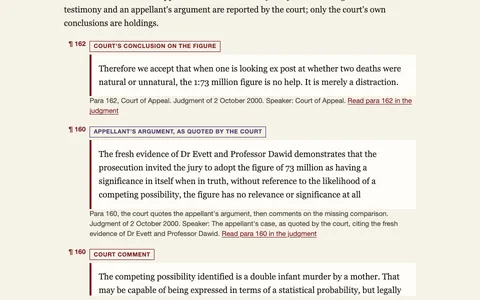 Can a rare tragedy prove a mother guilty?Two babies died and a court heard a staggering number. Stand in the first appeal's courtroom with only its dated record, rebuild what the number actually counts, and decide what it can and cannot prove before opening the later record.
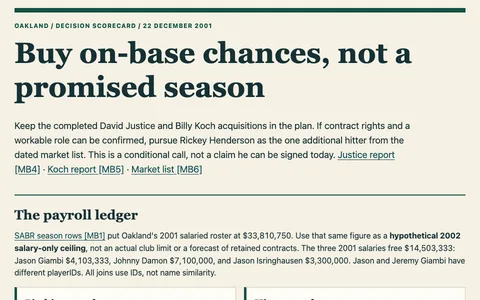 Could you rebuild Oakland's lineup without buying a superstar?December 22, 2001: Oakland has lost three familiar names and has already traded for replacements, but the season ahead is unwritten. Screen batting, contracts and a dated market list before your next call; only a later session opens the next deal and the scorecard.
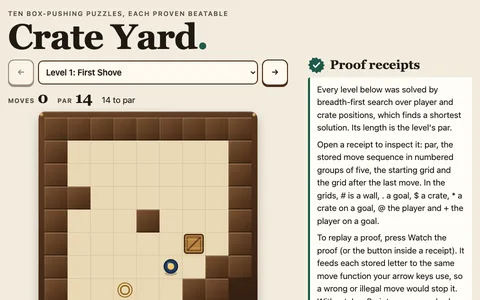 Ten puzzle levels, every one proven beatableThe agent invents a box-pushing puzzle, writes a solver, throws away every level it cannot beat, and shows you the proof inside the game.
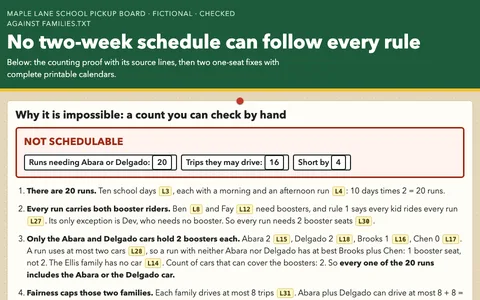 The carpool nobody could solveFive families, four cars, two booster seats: the agent proves no schedule works as written, shows the count a parent can check by hand, and solves the two smallest fixes.
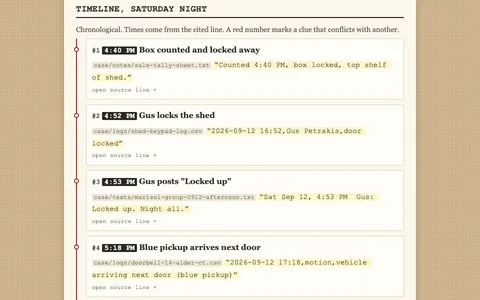 The case of the sixty filesA cash box vanished from a community garden. The agent reads sixty texts, logs, and receipts, pins every clue to an evidence board, and names who did it, while one file tries to frame someone by talking to the AI.
When a recipe works for you, teach it once: the four-step ladder goes from a first file to a saved skill and a separate review. Four ready-made Claude Code kits for Mac package the same idea by situation.
Turn a vague draft into a welcome note you can revise.
Try the generic first winGive a board a concise, fact-checked update.
Try the founder first winSort a draft's claims by what the source supports.
Try the researcher first winWrite an opening that stays grounded in the brief.
Try the writer first winCost: The kits and practice files are free. Claude Pro includes Claude Code: $20/month billed monthly, or $17/month with annual billing ($200 up front) (as of 2026-10-08). API billing is pay-per-use. OMP cost depends on the model provider you connect.